Click the 3 vertical dots on the top-right of any metric to display a menu to view or download the data presented in the graphs.
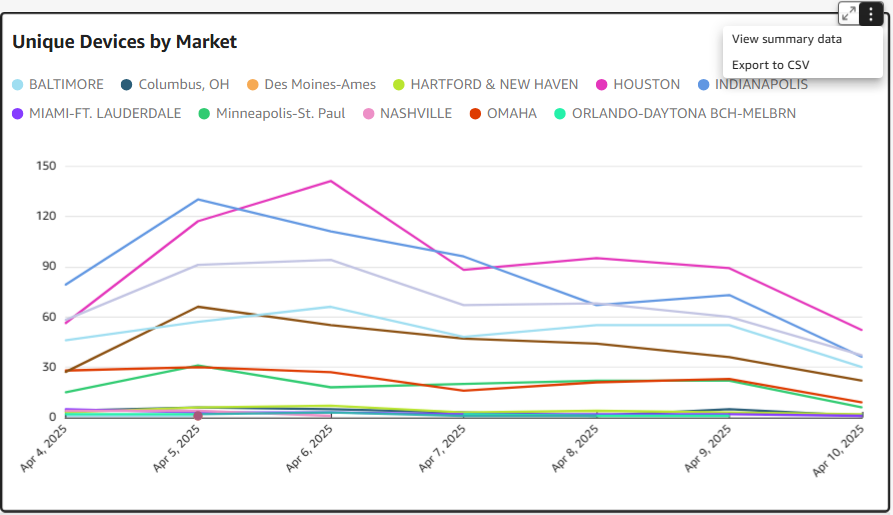
View summary data – presents an overlay table of the data points in the metric
Export to CSV – provides a comma delimited, downloadable version of the summary data