Requirements
- Users must have an active account on the client portal
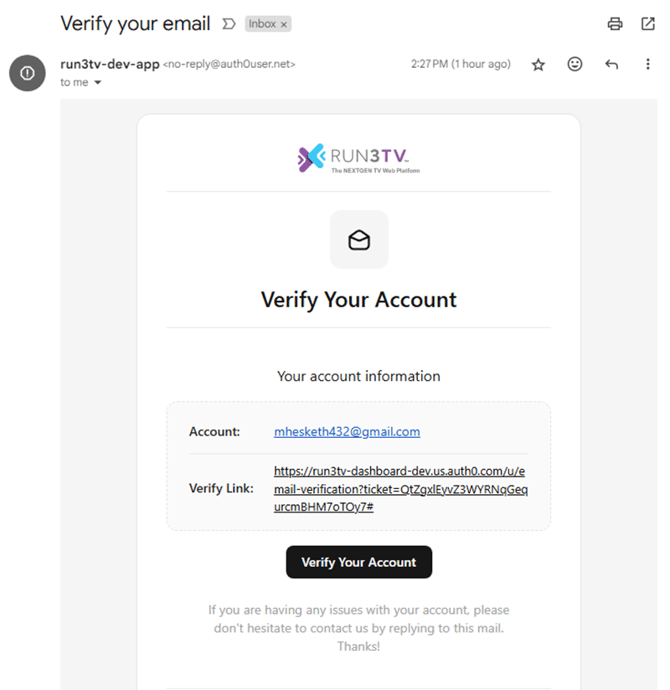
- Users will need to verify their email address by clicking a link sent via email from
no-reply@auth0user.net
Logging In
Navigate to https://dashboard.prod.run3tv.com in your browser
On first login only, click the Forgot Password link to create a new password on your account. Follow the instructions in the email to set a password on the account.
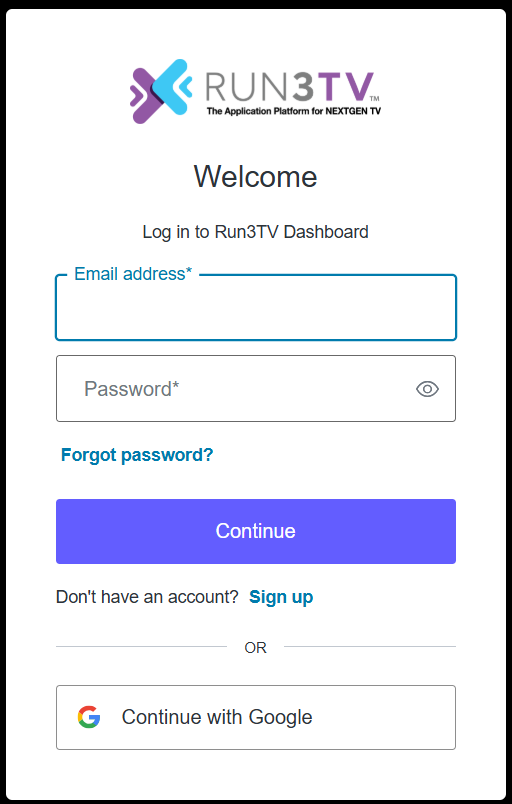
Return to https://dashboard.prod.run3tv.com and enter your email address and password. The portal homepage will be shown.
To return to the portal homepage click on the Run3TV logo (top left) from any screen.
⚠️Known Issue: Clicking on return to the dashboard after verifying your email or setting/changing your password may result in an E404 page being displayed. Please manually return to the dashboard homepage at https://dashboard.prod.run3tv.com, your action was processed successfully.