Only Available to Administrators
Clicking the + CREATE link in the User Management screen displays the Create User screen
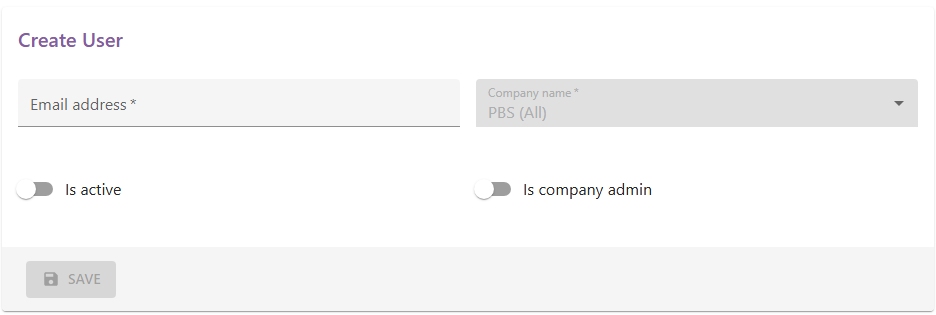
Complete the email address field and toggle the "Is Active" to enabled to set up a new user. The user will receive an email asking them to verify their email address, and should follow the setup instructions detailed on the logging in page.
Toggling the "Is company admin" to active will make the user an administrator on the client portal.
Once complete press the "SAVE" button to enrol the user.